
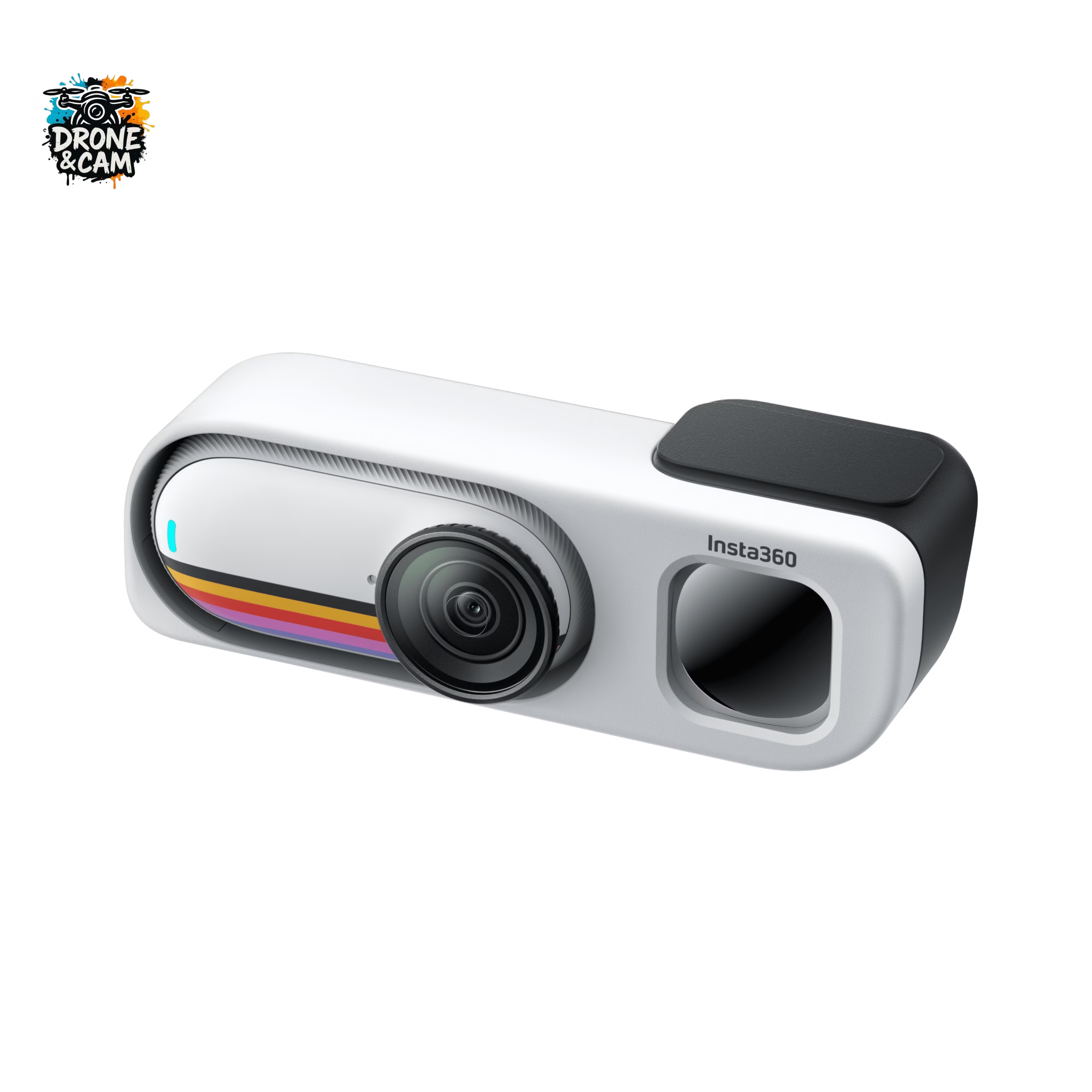
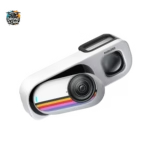
The Insta360 GO 3S Retro isn’t just a mini camera with a nice vintage look. It’s primarily a camera that makes you want to film simple moments, without setting up a big setup, without necessarily using your phone, and without any hassle.
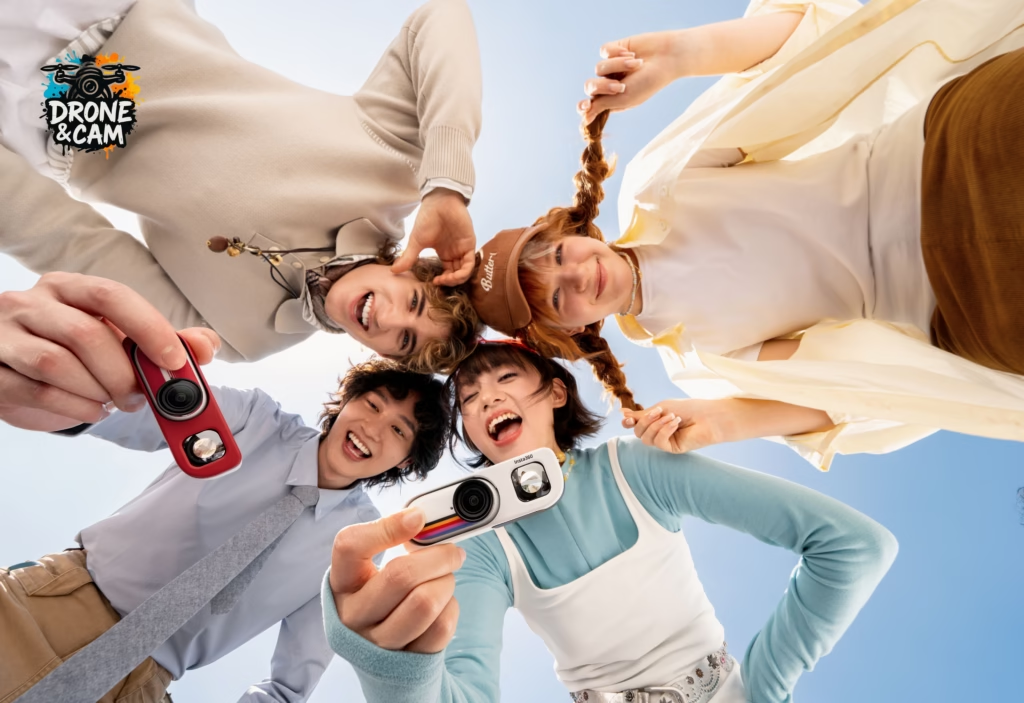
With its retro viewfinder, integrated selfie mirror, ultra-compact size, 4K video, and magnetic system, it’s perfect for creating short, spontaneous, and original videos. The Retro Pack is specifically designed to transform the GO 3S into a small, nostalgic street camera inspired by classic film cameras. It also highlights its portability, retro viewfinder, selfie mirror, battery life of up to 76 minutes, and magnetic pendant for POV shots.
Here are 10 concrete video ideas to shoot with the Insta360 GO 3S Retro.
Why the Insta360 GO 3S Retro makes you want to film differently
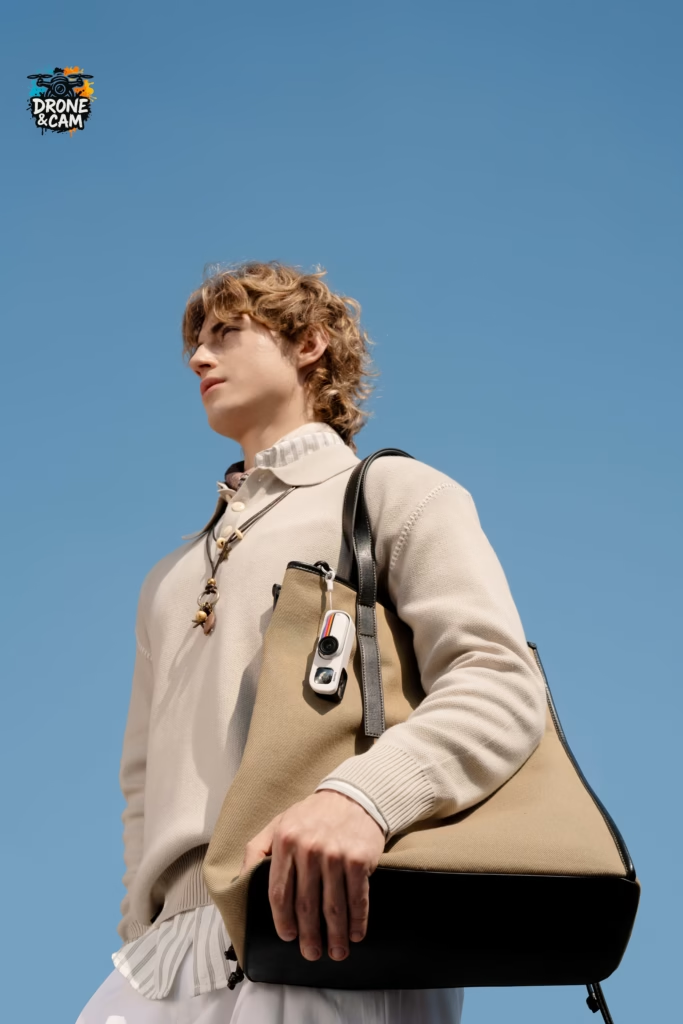
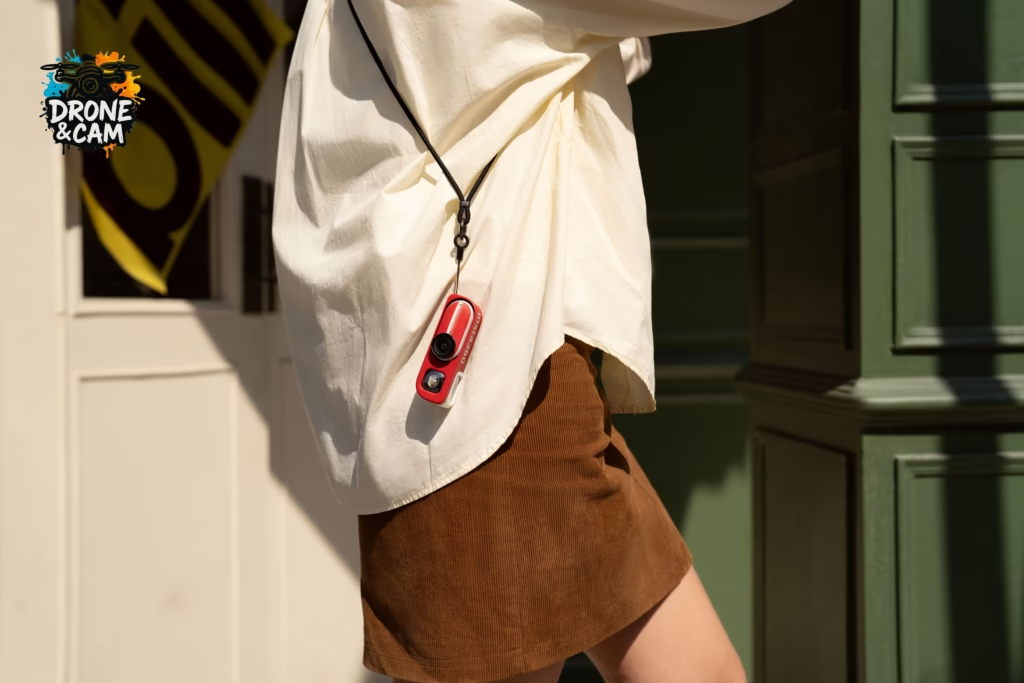
What makes this camera interesting isn’t just its technical specifications. It’s its approach. You can wear it around your neck, attach it to a bag, fix it magnetically, or quickly pull it out to capture a scene.
The retro viewfinder also changes the way you film. You’re not necessarily looking for the perfect framing. You capture a mood, a moment, an emotion. It’s more instinctive, lighter, more fun.
1. A stroll through the city, filmed like a movie.
This is probably the most obvious idea with the Insta360 GO 3S Retro. Go to a busy street, an old quarter, a market or a city you are discovering, and film as if you had a small film camera around your neck.
You can alternate:
- shop window plans;
- passers-by;
- architectural details;
- street signs;
- cafes;
- waist-high shots with the retro viewfinder.
The result can be really cool for a Reel or a Short in a “street diary” style.
2. A mini travel vlog without taking out your phone
When traveling, we often tend to film everything with our smartphones. The problem is that we sometimes end up experiencing the trip through the screen. With the Insta360 GO 3S Retro, you can film much more discreetly.
Simple idea: make a “day in…” video with short shots:
- departure from the hotel;
- breakfast ;
- route ;
- visit ;
- meal ;
- sunset.
You keep the camera around your neck, you trigger it when something pleases you, and you edit it all into a dynamic video.
3. A hands-free POV video with the magnetic pendant
The magnetic pendant is perfect for POV filming. You attach the camera to yourself and get an immersive view without holding anything.
It’s ideal for:
- cook ;
- walking in a city;
- to go for a leisurely bike ride;
- pack a travel bag;
- filming behind the scenes of a film shoot;
- to capture a manual activity.
This type of shot works really well on TikTok, Instagram and YouTube Shorts, because the viewer feels like they are experiencing the scene from your perspective.
4. A day in 30 seconds
The Insta360 GO 3S offers an interval video mode, perfect for summarizing an entire day without filming non-stop.
You can use it to create a video like this:
“My day in 30 seconds with the Insta360 GO 3S Retro”
The idea is to automatically capture moments throughout the day, then assemble them into a rhythmic montage. It’s simple, effective, and very well-suited to social media.
5. A morning routine or daily routine
The small size of the camera is perfect for filming a routine without feeling like you’re setting up a studio.
You can do:
- awakening ;
- coffee ;
- bag preparation;
- route ;
- desk ;
- sport;
- moment of relaxation.
Whether mounted on a piece of furniture, carried in POV or used by hand with the retro viewfinder, the Insta360 GO 3S Retro allows you to vary the angles very easily.
6. A Reel in a cafe or market
The vintage style of this camera fits perfectly with the atmospheres of cafes, markets, flea markets, bookstores or small colorful streets.
You can film:
- the cup of coffee that arrives;
- hands opening a notebook;
- the decorative details;
- the stalls;
- the looks;
- ambient sounds;
- small crowd movements.
With soft music or natural sound, this type of content can really have a beautiful atmosphere.
7. A video with your pet
The GO 3S is known for its unique angles. You can clip it on or mount it to capture your pet’s point of view, or simply film their everyday moments.
Ideas:
- dog walking;
- moment of play;
- car journey;
- nap ;
- outing to the park;
- POV from inside the collar with a suitable accessory.
This is exactly the kind of video that can work really well in Reels, because it’s immersive, cute, and different.
8. A before/after comparison with vintage filters
The Retro pack features custom filters inspired by classic film cameras. You can create very simple content with them:
- rough plan;
- plan with a vintage look;
- before/after;
- comparison of several atmospheres.
This would be a good idea for a follow-up article or video: “Which filters to use with the Insta360 GO 3S Retro?”
9. A hike or a walk along the seafront
For light outings, this camera is super handy. You can keep it around your neck, attach it to your body, or quickly set it down to capture a shot.
To be filmed:
- your steps on the path;
- sight;
- the hands that open the bag;
- arrival at the viewpoint;
- a quick shot facing the camera;
- a timelapse of the landscape.
FlowState stabilization helps keep shots smooth, even when you’re walking.
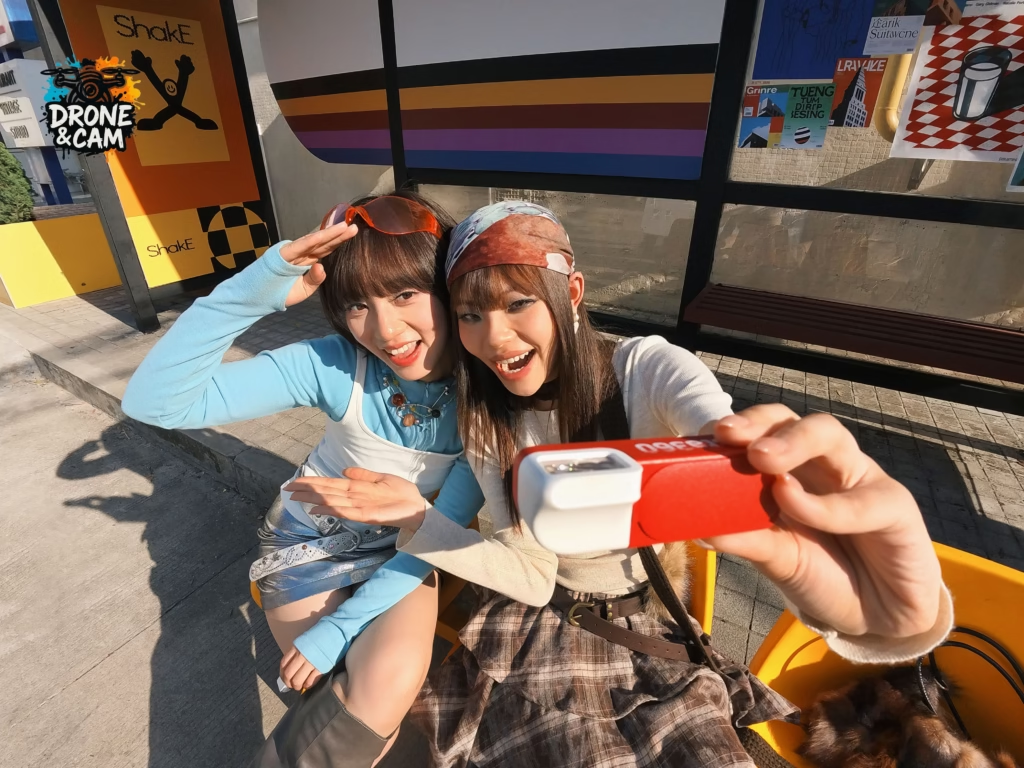
10. A retro selfie video with the built-in mirror
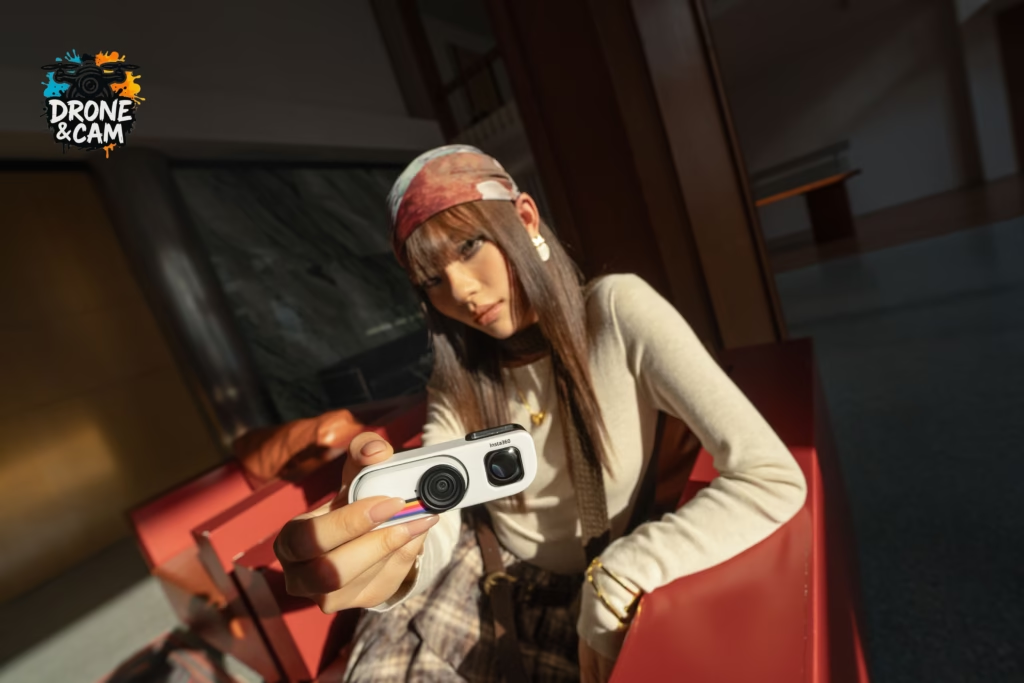
The selfie mirror integrated into the retro viewfinder is perfect for taking small shots facing the camera without taking out the Action Pod.
You can shoot a simple video:
“I tested the most stylish mini camera of the moment”
Or
“A day with the Insta360 GO 3S Retro”
The mirror is not a replacement for a real screen, but it is sufficient for quickly framing and maintaining the spontaneous aspect.
What accessories should be used for these video ideas?
To get the most out of the Insta360 GO 3S Retro, I especially recommend:
- the magnetic pendant for POVs;
- the strap for street camera style;
- the Retro pack battery for longer filming;
- a flexible stand if you want to hang it anywhere;
- a safety cord if you’re filming while moving;
- ND filters if you want a more cinematic look in bright sunlight.
You can also complement it with an insta360 accessory depending on your use: travel, animals, sport, vlog or lifestyle content.
What settings should I use to successfully complete my shots?
For most videos, you can start with simple settings:
- 4K to retain maximum detail;
- FlowState stabilization enabled;
- vertical format if you’re filming for Reels, Shorts or TikTok;
- FreeFrame mode if you want to choose the framing afterwards;
- short clips of 3 to 6 seconds for dynamic editing;
- Various shots: wide, detail, POV, selfie, atmosphere.
The goal isn’t to make things complicated. The real advantage of this camera is precisely its ability to film quickly and frequently.
Is the Insta360 GO 3S Retro the perfect camera for filming more often?
The Insta360 GO 3S Retro won’t necessarily replace a large camera or a high-end smartphone. But it has one huge advantage: it inspires you to create.
Its vintage look, tiny size, retro viewfinder and “always ready” aspect make it a perfect camera for capturing small everyday moments.
And sometimes, that’s exactly what you need to film more often: a simple, lightweight, endearing camera that you really want to have with you.


Leave a Reply