
Before buying Insta360 Snap , there is one essential question to ask yourself:
👉 Is my smartphone compatible?
And you’re right to ask yourself that question.
Because even though Insta360 Snap is simple to use, it relies on a specific technology (USB-C + screen display).
In this article, I’m going to give you:
- the complete list of compatible smartphones
- conditions to check
- and a simple method to find out if your phone is working
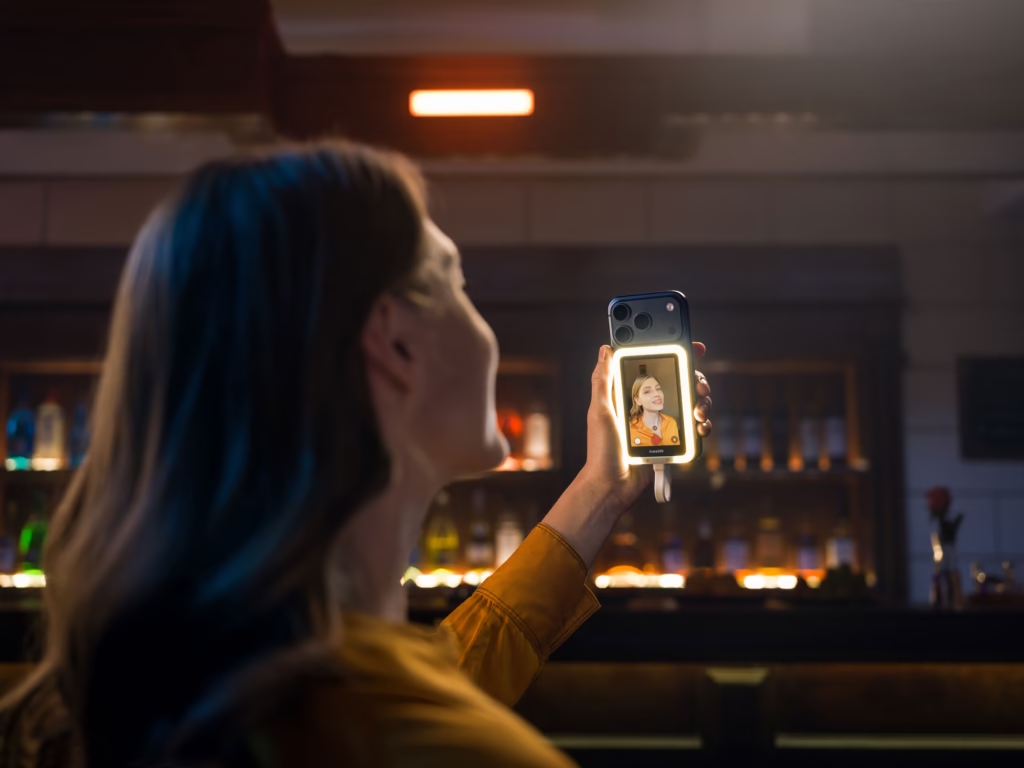
Apple smartphones compatible with Insta360 Snap
Good news: if you have a recent iPhone, it should work.
👉 Insta360 Snap is compatible with:
- iPhone 17 Pro Max
- iPhone 17 Pro
- iPhone 17
- iPhone 16 Pro Max
- iPhone 16 Pro
- iPhone 16 Plus
- iPhone 16
- iPhone 15 Pro Max
- iPhone 15 Pro
- iPhone 15 Plus
- iPhone 15
⚠️ Important
👉 Only iPhones with USB-C
👉 Older iPhones with Lightning connectors are not compatible
Take it to the next level with Insta360 Snap
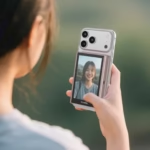
Finally, use your phone’s rear camera for sharper, better framed, and more professional-looking selfies and vlogs. Insta360 Snap allows you to see yourself in real time and create more easily, without complicated setup.
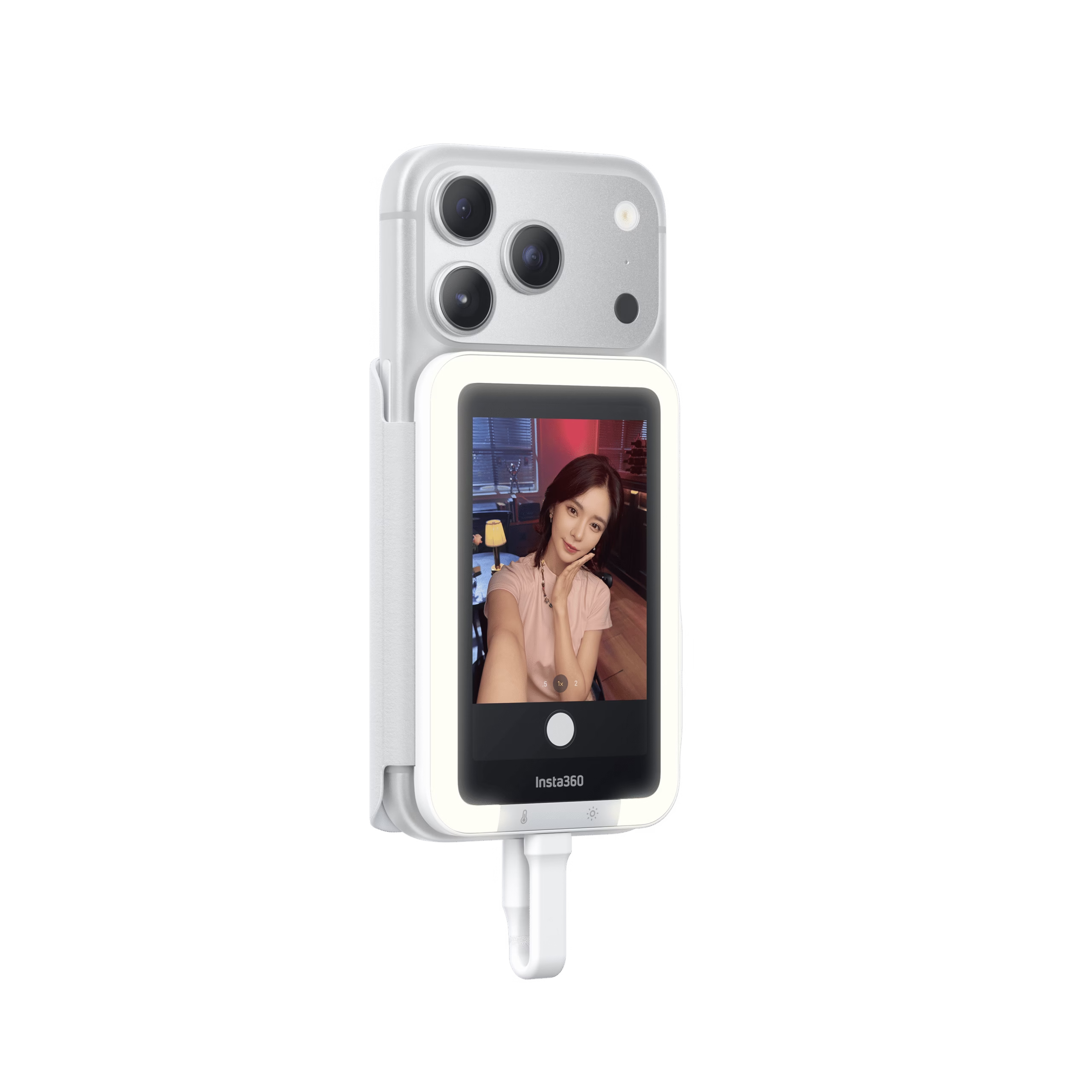
Android smartphones compatible with Insta360 Snap
On Android, compatibility depends on the model… but also on certain technical characteristics.
Here are the models officially compatible with Insta360 Snap 👇
Samsung
- Galaxy S25 Ultra / S25+ / S25 / Edge
- Galaxy Z Fold6 / Flip7
- Galaxy S24 Ultra / S24+ / S24
- Galaxy S23 Ultra / S23
- Galaxy S22
- Galaxy S21 Ultra
- Galaxy S10+
- Pixel 9 Pro
- Pixel 8
Huawei
- Pura 80 Pro / 70 Ultra / 70 Pro / 70
- Mate 40 Pro / Mate 30 Pro
- P60 Pro / P50 / P40 Pro / P40 / P30 Pro
Vivo
- X300 Pro / X300
- X Fold5
- X200 Ultra / X200 Pro
- X100 Ultra / X100s Pro
👉 ⚠️ Requires OriginOS 6 or higher
iQOO
- iQOO 15
- iQOO 13
OPPO
- Find X9 Pro
- Find X8 Ultra
- Find N5
- Finder X7 Ultra
OnePlus
- OnePlus 15 / 13 / 12 / 8 Pro
Honor
- Magic 7 Pro
- Magic 6 Pro
- Magic V5
Xiaomi
- Xiaomi 17 Pro / 17
- Redmi K90 Pro Max
- Xiaomi 15 Pro / 15
- Xiaomi MIX Fold 4
- Xiaomi 14 Pro / 14
ZTE
- Axon 40 Ultra
| Brand | Compatible models |
|---|---|
| Apple |
iPhone 17 Pro Max, 17 Pro, 17 iPhone 16 Pro Max, 16 Pro, 16 Plus, 16 iPhone 15 Pro Max, 15 Pro, 15 Plus, 15 |
| Samsung |
Galaxy S25 Ultra / S25+ / S25 / Edge Galaxy Z Fold6 / Flip7 Galaxy S24 Ultra / S24+ / S24 Galaxy S23 Ultra / S23 Galaxy S22 / S21 Ultra / S10+ |
| Pixel 9 Pro, Pixel 8 | |
| Huawei |
Pura 80 Pro / 70 Ultra / 70 Pro / 70 Mate 40 Pro / Mate 30 Pro P60 Pro / P50 / P40 Pro / P40 / P30 Pro |
| Vivo |
X300 Pro / X300 X Fold5 X200 Ultra / X200 Pro X100 Ultra / X100s Pro |
| iQOO | iQOO 15, iQOO 13 |
| OPPO |
Find X9 Pro, Find X8 Ultra Find N5, Find X7 Ultra |
| OnePlus | OnePlus 15, 13, 12, 8 Pro |
| Honor | Magic 7 Pro, Magic 6 Pro, Magic V5 |
| Xiaomi |
Xiaomi 17 Pro, 17 Redmi K90 Pro Max Xiaomi 15 Pro, 15 MIX Fold 4 Xiaomi 14 Pro, 14 |
| ZTE | Axon 40 Ultra |
The conditions for your smartphone to be compatible
Even if your phone is not on the list, it can still work with Insta360 Snap .
👉 It must meet 3 essential criteria:
1. Have a USB-C port
This is required for the connection.
2. Supports reverse charging
The phone must be able to power the Insta360 Snap .
3. Support DisplayPort (DP)
That’s the most important thing.
👉 This is what allows the screen to be displayed on the Insta360 Snap .
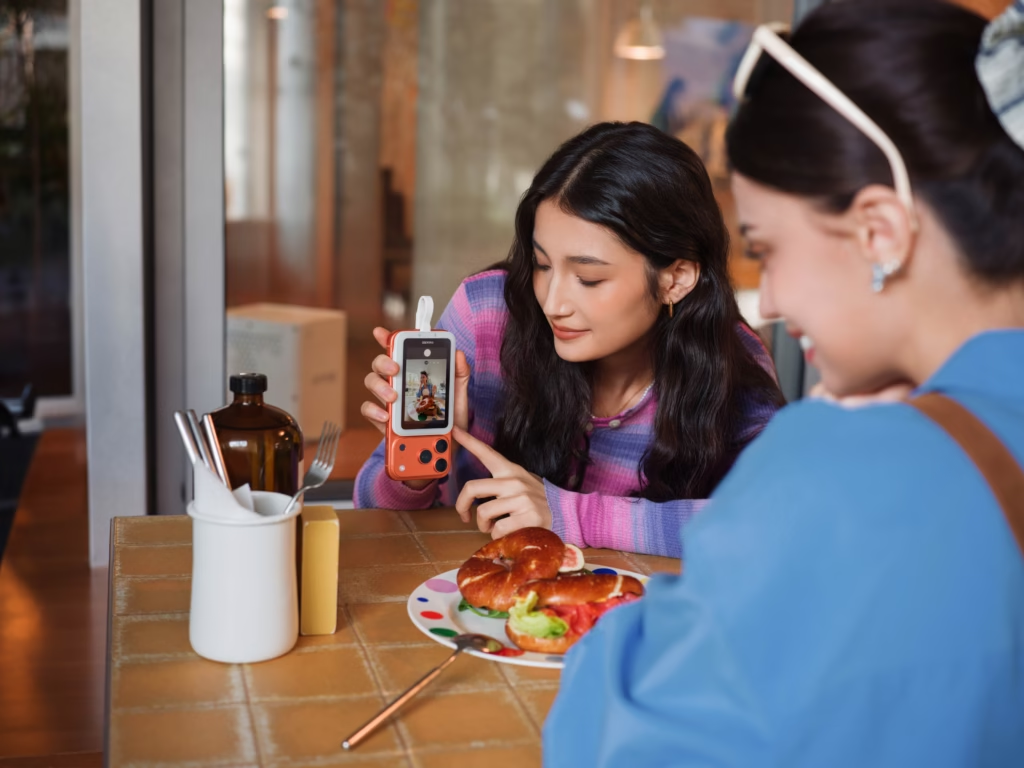
How to check if your smartphone is compatible
Not sure? Here’s a simple method 👇
Method 1: Technical sheet
- go to the manufacturer’s website
- check:
- USB-C
- DisplayPort
- reverse charging
Method 2: Testing with a screen
👉 Connect your phone to a screen or a TV
If the image is displayed →
👉 Your phone is compatible with Insta360 Snap
Switch to the rear camera with Insta360 Snap
Stop sacrificing the quality of your selfies and vlogs. Insta360 Snap allows you to see yourself in real time with your smartphone’s rear camera, for sharper images, better framing and a much more professional look.
- Real-time preview
- Simple and quick wired connection
- Compact and magnetic design
- Version with integrated light available
Why are some smartphones not compatible?
Even with USB-C, some phones do not work with Insta360 Snap .
For what ?
👉 because:
- Limited USB-C (no video)
- no DisplayPort
- No reverse charging
This is often the case on:
- entry-level smartphones
- some older models
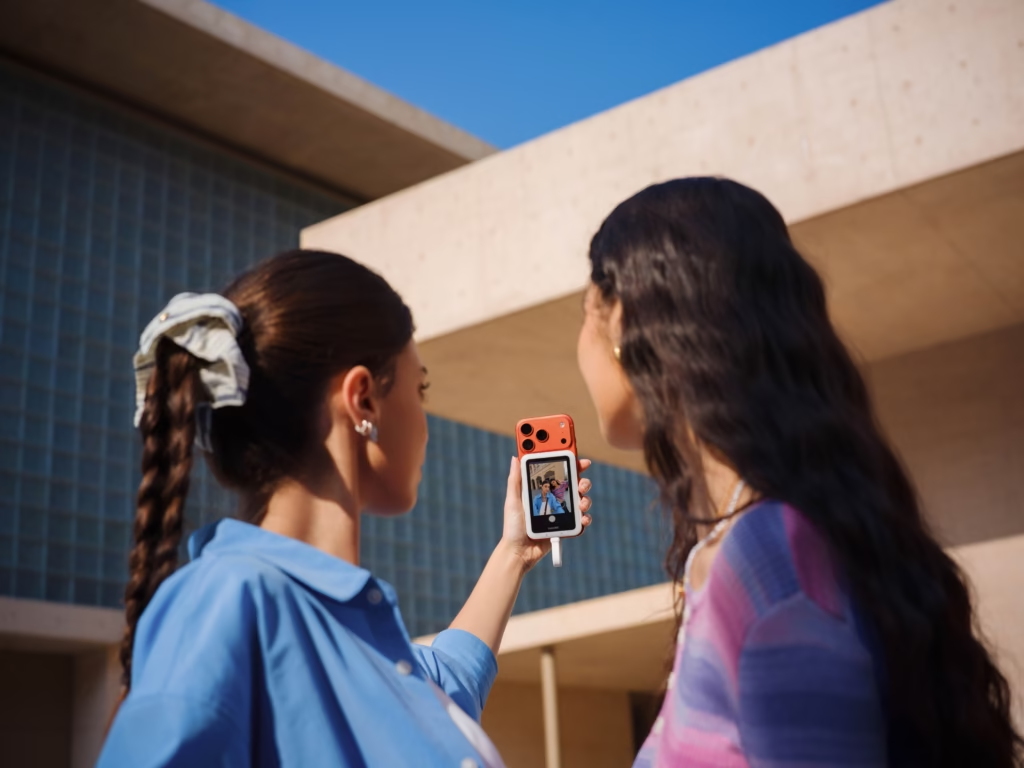
Compatible with Insta360 accessories
The Insta360 Snap is also compatible with certain accessories:
- Ring Remote
- Mini Remote
👉 Warning:
They need to have up-to-date firmware
Unleash the full potential of your smartphone with Insta360 Snap
Finally, use your phone’s rear camera for sharper, better framed, and much more flattering selfies and vlogs. Insta360 Snap allows you to see yourself in real time, without any hassle, with a premium result from the first shot.
Should you check compatibility before buying Insta360 Snap?
👉 Yes, clearly.
Especially if you’re on Android.
For what ?
Because Insta360 Snap is directly dependent on the capabilities of your smartphone.
👉 If your phone is compatible: perfect experience
👉 Otherwise: it won’t work

Is my phone compatible with Insta360 Snap?
Quick summary 👇
👉 Your phone is compatible if:
- It has USB-C
- It supports DisplayPort
- it can power the device
If so:
👉 You can fully enjoy Insta360 Snap

Verdict: Should you buy Insta360 Snap?
If your smartphone is compatible:
👉 Yes, without hesitation.
Because Insta360 Snap is a simple accessory… but extremely effective.
👉 You improve instantly:
- your framing
- your quality
- your experience
And most importantly:
👉 You’re finally using the best camera on your phone.
If you’re still hesitating, start by checking your smartphone…
And then you can move on to the next step 🚀






Leave a Reply