
Here’s what matters most first, with the essential points, useful context, and practical takeaways made easy to scan.
When you start doing video calls seriously — whether it’s for YouTube, online training or client meetings — you quickly realize a problem: you go out of bounds as soon as you move a little .
Traditional webcams are fixed. You stand up to show a product, you write on the board, you lean forward… and bam, half of it is out of frame. The result: it looks amateurish.
This is where smart webcams like the Insta360 Link 2 Pro completely change the experience. Thanks to AI, it automatically adjusts the framing to keep you clearly visible.
But be careful: AI Tracking and Auto Framing are often referred to as the same thing. In reality, they are two different technologies.
In this article, I explain it simply:
- The difference between AI Tracking and Auto Framing
- How does Auto Framing work on the Insta360 Link 2 Pro?
- When to use one or the other
- Concrete scenarios (YouTube, training, conference, company)
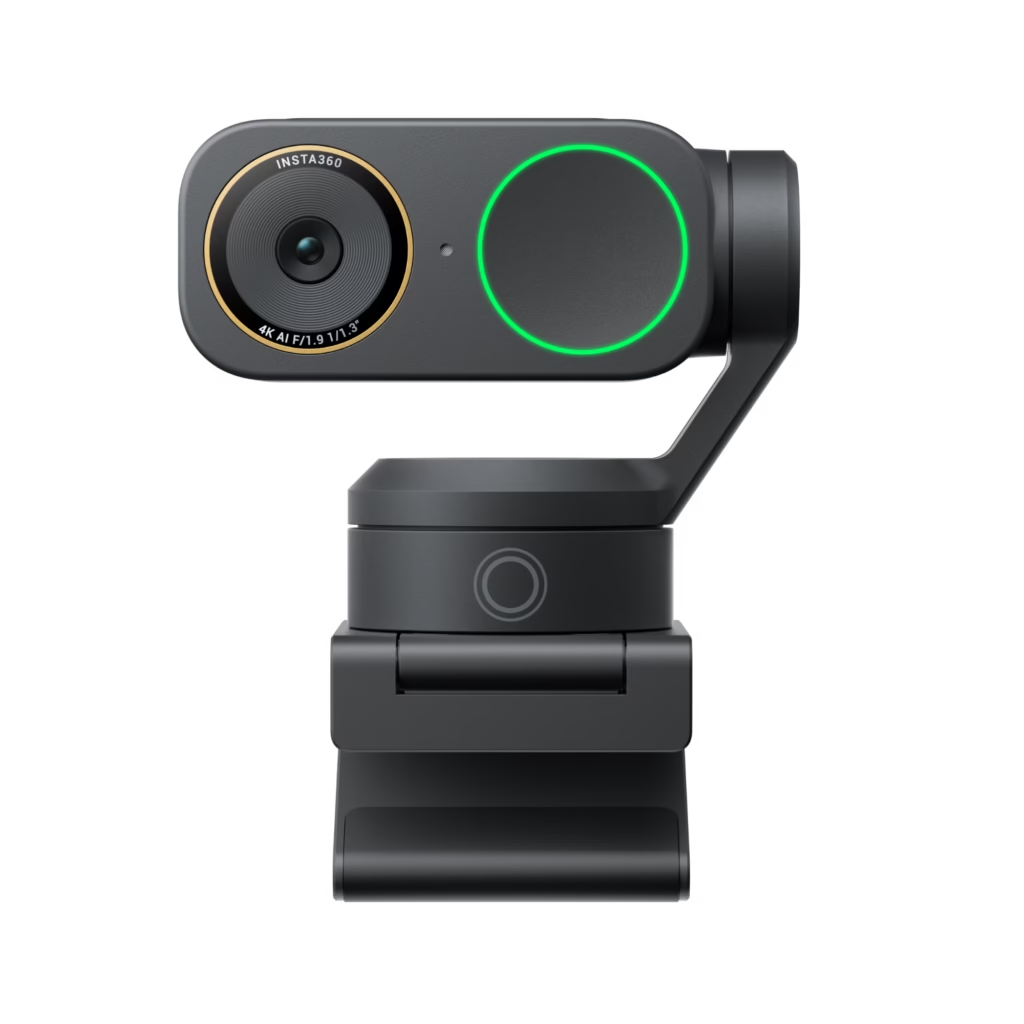
AI Tracking vs Auto Framing: What’s the difference?
This is THE question that many people are asking.
🎯 AI Tracking: Dynamic tracking of a subject
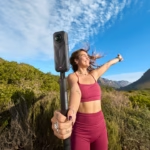
AI Tracking (intelligent tracking) allows the camera to actively track a specific person .
In concrete terms:
- The camera detects your face
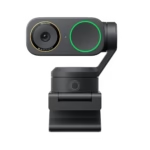
- It moves physically (via a motorized gimbal).
- It adjusts in real time to keep you at the center
It’s ideal if you travel a lot: standing presentations, product demonstrations, sports coaching, etc.
👉 Important: The Insta360 Link 2 Pro does not have a motorized gimbal. It uses a different approach: Auto Framing.
🎯 Auto Framing: Intelligent cropping
Auto Framing works differently.
The camera:
- Detects faces in the field
- Adjust the digital zoom
- Automatically crops the image
She doesn’t move physically.
She simply adjusts the framing so that everyone remains clearly visible .
It’s more discreet, simpler… and often sufficient for 90% of uses.
🆚 Quick summary
| Function | AI Tracking | Auto Framing |
|---|---|---|
| Follows a specific person | Yes | No |
| Physical movement | Yes (gimbal) | No |
| Ideal for solo mobile use | Excellent | Good |
| Ideal for groups | Medium | Excellent |
| Complexity | More advanced | Simpler |
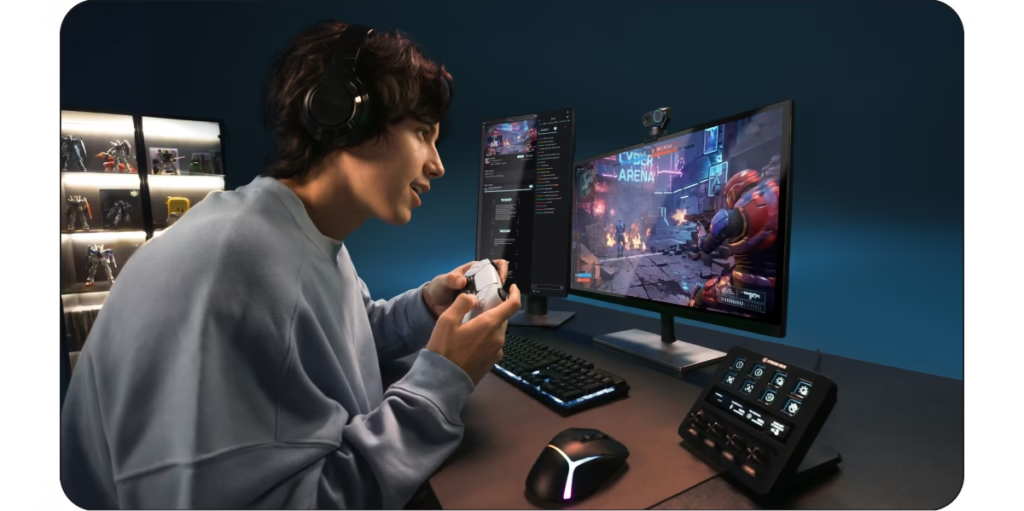
How does Auto Framing work on the Insta360 Link 2 Pro ?
This is where it gets interesting.
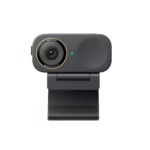
The Insta360 Link 2 Pro features:
- A 1/1.3” sensor
- A wide field of view (83.9° DFOV)
- Built-in HDR
- An embedded AI
🔍 Step 1: Face detection
The webcam automatically identifies the people present in the frame.
🎬 Step 2: Scene analysis
The algorithm determines:
- How many people are visible
- Their position in the image
- Possible movements
🎥 Step 3: Smart reframing
The camera adjusts the digital zoom to:
- Centering a single speaker
- Widen the frame if multiple people enter the image
- Reduce empty space
All this while maintaining a clean image thanks to the large 1/1.3” sensor, which limits the loss of quality during cropping.
Result :
You move slightly → the camera adjusts.
A colleague sits next to me → the frame widens.
Someone leaves the frame → the frame recenters.
And all of this happens automatically.
When to use AI Tracking?
Even though the Insta360 Link 2 Pro relies on Auto Framing, it is useful to understand when true AI Tracking (with gimbal) becomes interesting.
Ideal if you:
- Make YouTube videos standing up
- Present a product while you’re on the move
- Give dynamic lessons
- Do interactive live streaming
In these cases, a motorized webcam might be more suitable.
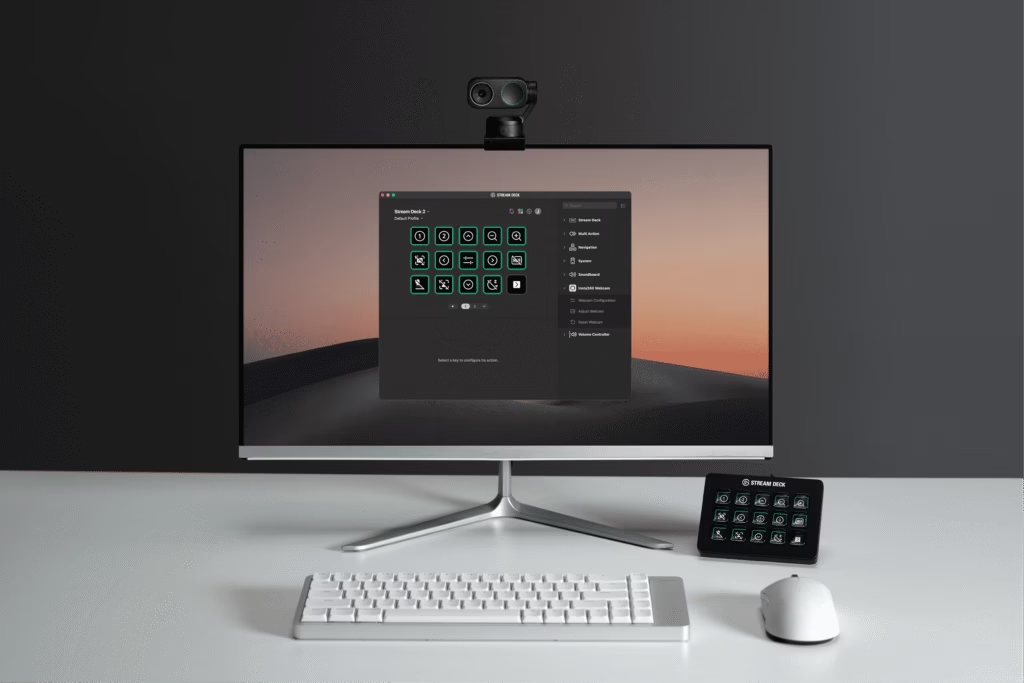
When to use Auto Framing?
And that’s where the Insta360 Link 2 Pro becomes extremely relevant.
✔ Zoom / Teams meetings
You lean forward, you move, you adjust your chair…
The framing remains clean and effortless.
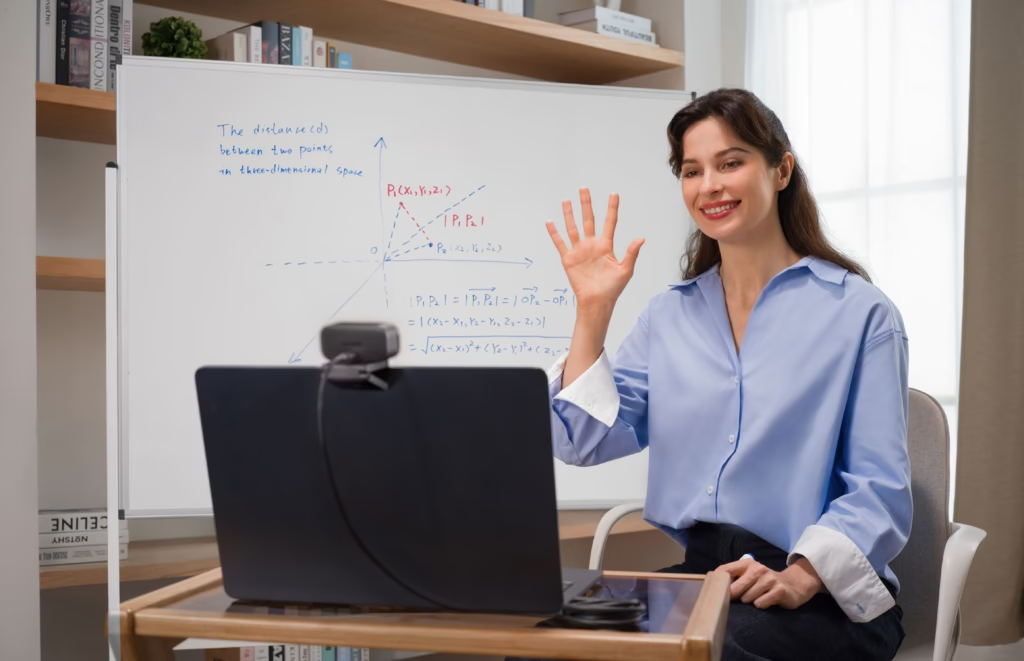
✔ Online training
Are you moving from the whiteboard to your desk?
The Smart Whiteboard and Auto Framing work together to maintain a professional look.
✔ Webinar or podcast for two
Two speakers in the frame → the camera automatically adjusts the width of the shot.
✔ Conference room
Several people around a table → Auto Framing keeps everyone visible without manual adjustment.
Concrete use cases
🎥 1. Solo YouTube Creator
You’re filming with a front camera from your office.
- You’re gesticulating a bit
- You move closer to the screen
- You show an object
Auto Framing is more than sufficient.
No need for a motorized gimbal.
🎓 2. Online Trainer
You alternate between:
- Facing the camera
- Whiteboard
- Desktop demonstration
The Insta360 Link 2 Pro supports:
- Automatic cropping
- Whiteboard mode
- HDR to avoid overexposed areas
Result: a much more professional look than an integrated webcam.
🏢 3. Team meeting
Three people around a table.
Without Auto Framing:
- A person cut off
- Lots of empty space
- Rough framing
With the Insta360 Link 2 Pro :
- Automatic adjustment
- balanced framework
- A smoother experience for remote participants
🎙 4. Conference or product presentation
By activating:
- The background blur
- Portrait mode 9:16
- Audio Focus Mode
You get an almost “studio” setup without complex equipment.
Limits to be aware of
Let’s be honest: no technology is perfect.
❗ What Auto Framing is not
- This is not a true motorized gimbal
- It doesn’t track a specific person if several people move
- He doesn’t recognize animals
- It depends on good lighting for optimal results.
But in most cases, it does the job perfectly well.
Why the Insta360 Link 2 Pro is an excellent compromise
If you’re looking for:
- A professional 4K webcam
- A large sensor (1/1.3”)
- High-performance HDR
- 4 audio modes (Standard, Wide, Focus, Original)
- Smart Whiteboard
- Virtual Camera (blur, virtual background, green screen)
So the Insta360 Link 2 Pro ticks almost all the boxes.
It is not aiming to be an ultra-complex robotic camera.
It aims to:
- Simplicity
- Stability
- Image quality
- Efficiency in a professional environment
And for teleworking, training or moderate streaming, it’s often the best balance.
So, AI Tracking or Auto Framing: which one is right for you?
If you:
- Moves a lot
- Give dynamic demonstrations
- Need for ultra-precise tracking
→ Motorized AI tracking may be preferable.
If you:
- Work in an office
- Hold meetings
- Film content in front of the camera
- Online retailers
→ The Auto Framing of the Insta360 Link 2 Pro is more than sufficient… and much smarter than a classic webcam.
The real question is not:
“AI Tracking or Auto Framing?”
But rather:
Do you really need a camera that moves… or simply intelligent framing that adapts to you?


Leave a Reply