
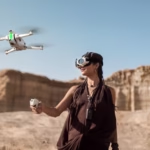
The Antigravity A1 is not your average drone. Where a conventional drone shows you the world from the sky, the A1 literally immerses you in it . Thanks to the Vision goggles and immersive video transmission, you’re no longer looking at a screen: you’re in the flight.
But this total immersion has a crucial downside: the quality of the video signal becomes absolutely critical . A loss of signal is not just a visual nuisance; it can ruin the experience, generate stress, and, in some cases, trigger automatic safety features like Return-to-Home.
In this article, we will see how the video transmission of the Antigravity A1 works , what factors affect it, and above all how to maximize signal stability for worry-free flying .
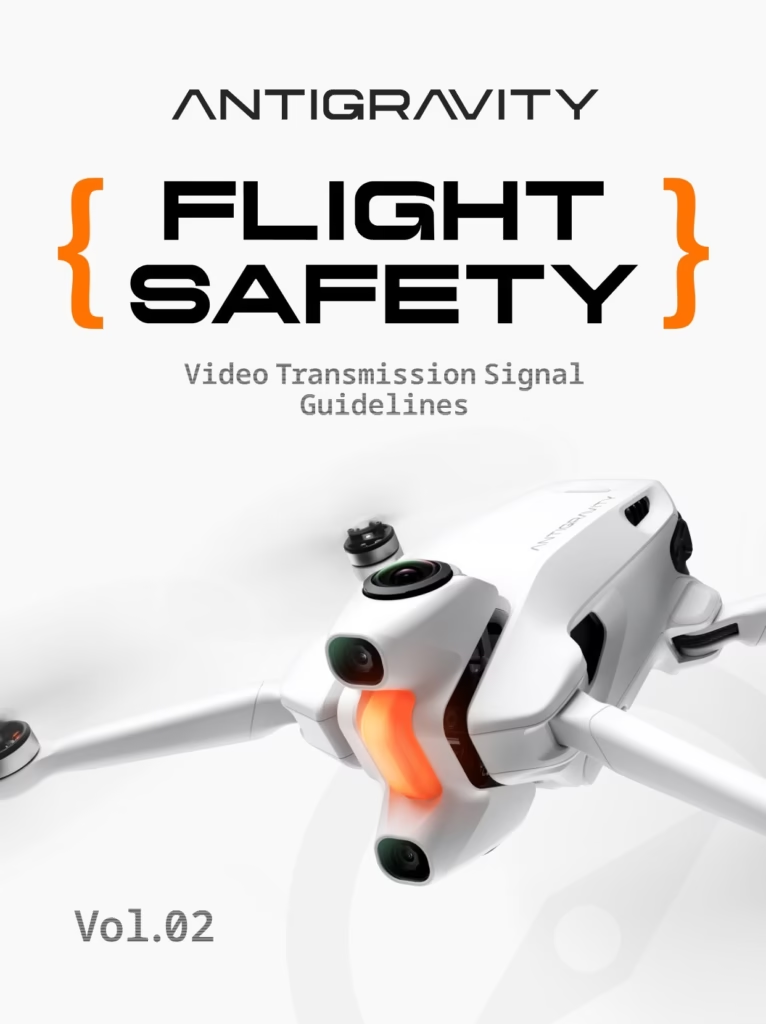
How does video transmission work on the Antigravity A1?
Unlike conventional FPV drones, the Antigravity A1 clearly separates flight direction from view direction . You can freely look around while continuing to fly in another direction. This freedom is made possible by smooth, stable, and low-latency video transmission between the drone and the Vision goggles.
It is important to understand that there are two distinct signals :
- the control signal (pilot),
- the video signal (immersive return).
In most cases, the drone remains controllable even if the video quality temporarily degrades. However, a prolonged loss of signal or significant instability may trigger safety systems, including automatic return to the starting point.
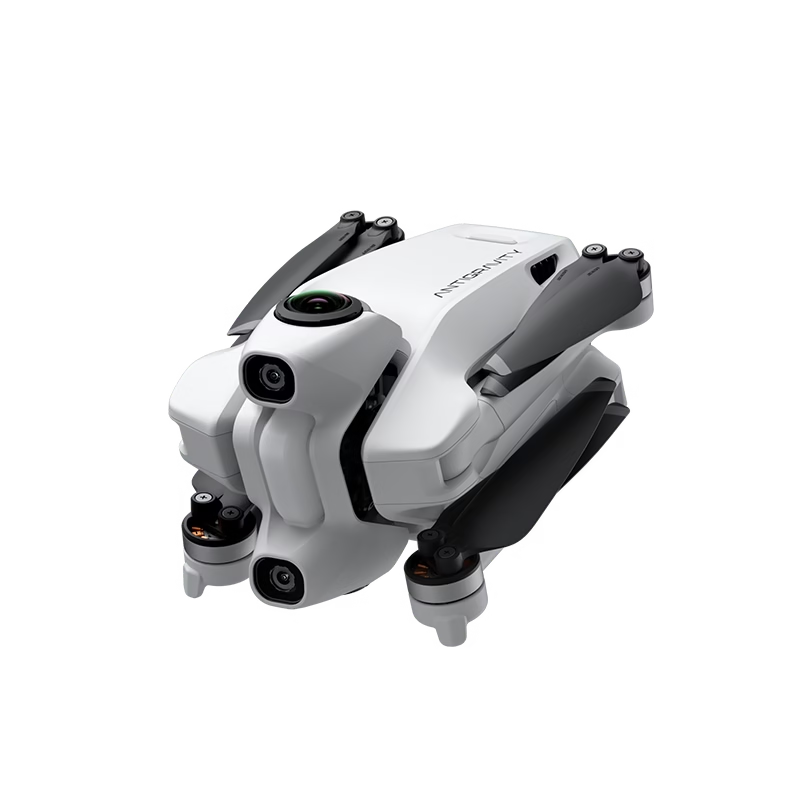
The main factors that affect signal quality
Physical obstacles: the most common pitfall
This is often where pilots go wrong. They think that as long as the drone is high in the sky, everything is fine. In reality, obstacles close to the pilot are often more problematic than those close to the drone .
The main enemies of the signal are:
- the buildings,
- the trees and dense vegetation,
- landforms such as hills, cliffs and valleys.
Even if the drone is visible from afar, a tree or building right in front of you can be enough to severely degrade the transmission.
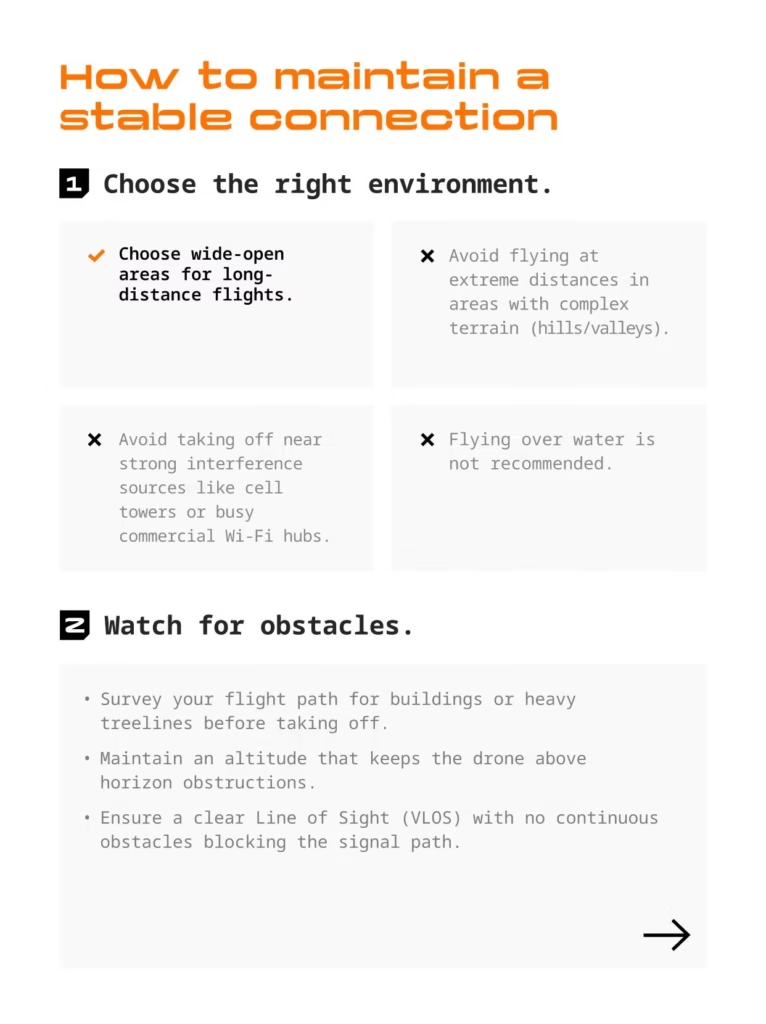
Electromagnetic interference
The radio environment is rarely “clean,” especially in populated areas. The most common sources of interference are:
- Wi-Fi networks,
- public hotspots,
- Bluetooth,
- high-voltage power lines,
- relay antennas and telecom towers.
What makes this interference even more tricky is its dynamic nature. The signal can be perfectly stable, then drop sharply for a few seconds before returning to normal. In some cases, this instability is enough to trigger a failsafe.
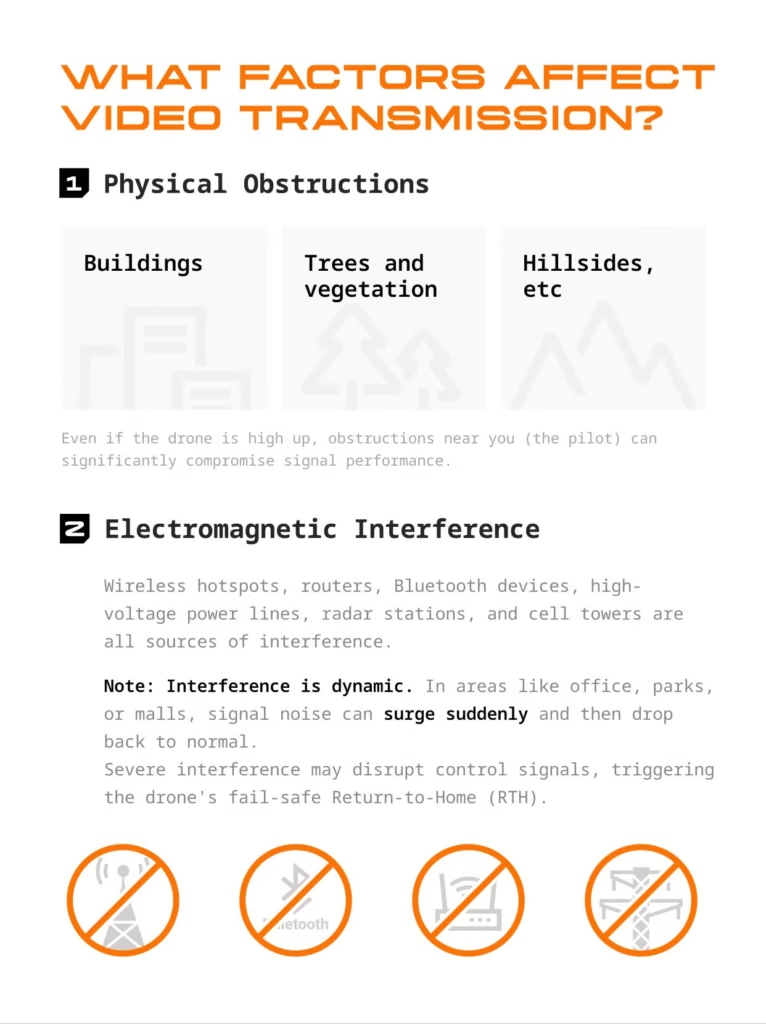
Choosing the right environment to fly with the Antigravity A1
Choosing the flight location is undoubtedly the most important factor in fully enjoying the Antigravity experience.
The ideal environments are:
- large open spaces
- open areas without nearby obstacles,
- natural landscapes far from urban infrastructure.
Conversely, it is strongly advised against:
- flying long distances in urban areas,
- taking off in the immediate vicinity of antennas or saturated Wi-Fi zones,
- flying in complex terrain (valleys, enclosed areas),
- fly over water, because the surface can reflect and disrupt the signal.
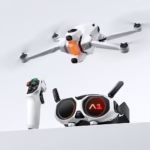
Comparison of Antigravity A1 packs
Standard Pack
€1,399
The ideal entry-level package to discover the Antigravity A1 drone.
- Drone A1
- Vision Glasses
- Controller Grip
- 1× Flight Battery
- Carrying case
- 4× Spare Propellers
Explorer Pack
€1,599
The best value for money: increased autonomy and flexibility.
- Drone A1
- Vision Glasses
- Controller Grip
- 3× Flight Batteries
- Charging station
- Case + Bag
- 8× Spare Propellers
Infinite Pack
€1,699
The ultimate package: maximum battery life and premium accessories.
- Drone A1
- Vision Glasses
- Controller Grip
- 3× High-capacity batteries
- Quick Reader
- Charging station
- Case + Bag
- 8× Spare Propellers
Maintaining an optimal line of sight (LOS)
Even with an immersive drone, radio line of sight remains essential.
Before taking off, take the time to:
- analyze the flight path,
- identify trees, buildings or power lines,
- anticipate areas where the signal might be blocked.
In flight, a slightly higher altitude often allows you to:
- to overcome obstacles,
- to restore a more stable signal,
- avoid sudden power outages.
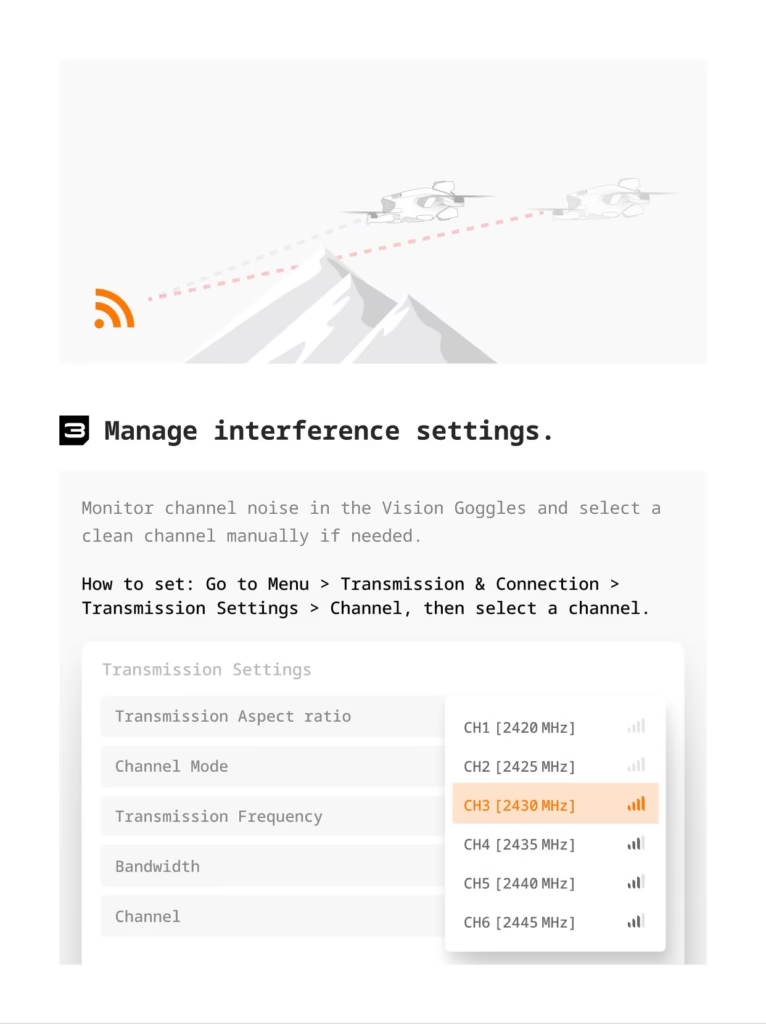
Intelligently manage interference in the settings
The Antigravity A1 allows you to monitor and manually adjust the transmission channel via the Vision glasses.
When you notice instability:
- Check the noise level of the channels,
- avoid congested channels,
- manually select a cleaner channel.
This simple action can sometimes transform an unstable flight into a perfectly smooth experience.
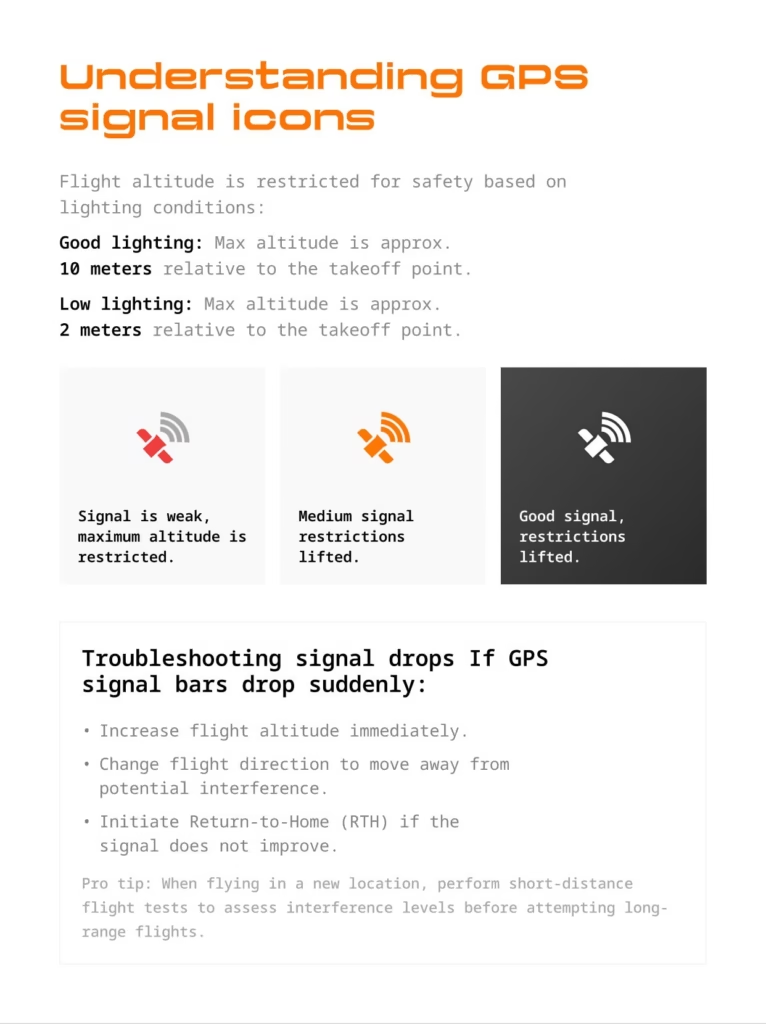
Optimize the pilot’s environment
We often talk about the drone, but the pilot is also a potential source of interference .
Some simple best practices:
- Disable unnecessary Wi-Fi and Bluetooth on your phone.
- Avoid flying near electronic equipment (dashcams, routers),
- Do not steal from inside a vehicle.
Positioning Vision Glasses Correctly
Vision glasses play a central role in signal quality.
For optimal performance:
- Always unfold the antenna before use.
- Try to face the drone as much as possible.
- Avoid constantly turning your back to the flight path.
Key points to remember:
- The antenna of the glasses is more effective when facing forward .
- The drone’s antennas transmit primarily forwards and backwards.
Incorrect positioning can be enough to degrade transmission, even in an open environment.
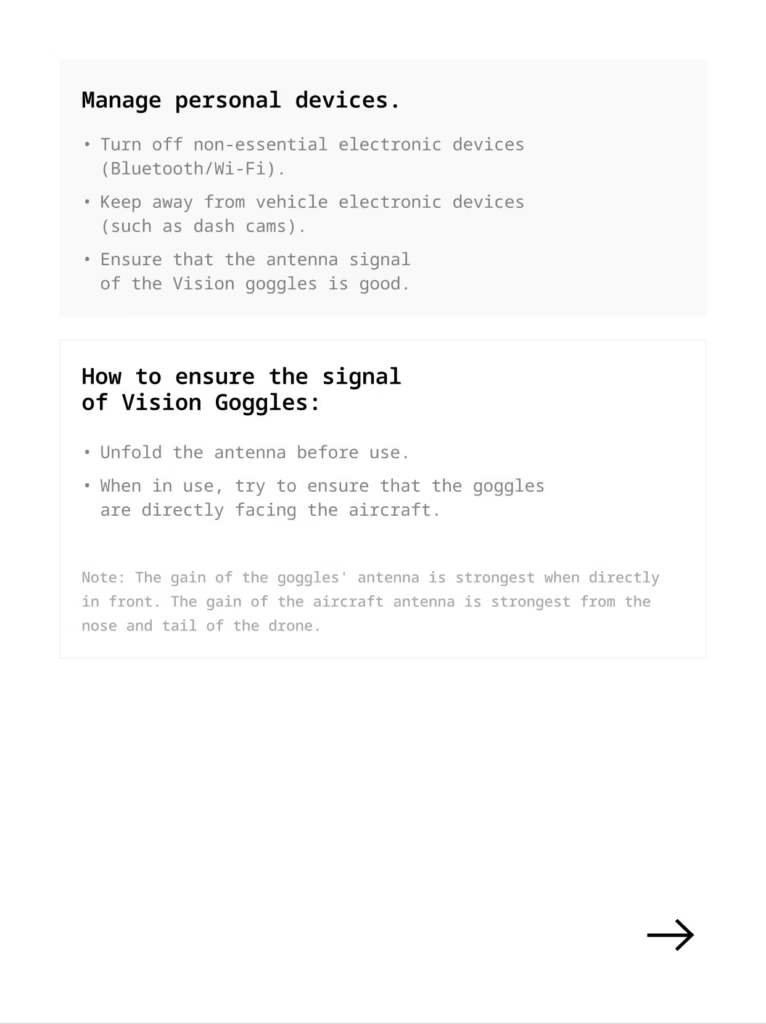
Understanding GPS icons and flight limitations
The Antigravity A1 adapts certain safety limitations depending on the quality of the GPS signal and lighting conditions.
Under normal conditions:
- good lighting → maximum altitude of approximately 10 meters ,
- low light → altitude limited to approximately 2 meters .
The GPS icons clearly indicate the signal strength level:
- Weak signal: significant restrictions
- Average signal: restrictions partially lifted,
- Good sign: restrictions lifted.
These limits are not there to restrict the experience, but to guarantee a safe flight , especially in an immersive context.
What to do in case of a sudden drop in signal
If you notice a sudden drop in video or GPS signal:
- Gain some altitude immediately,
- change direction slightly,
- Move away from potential sources of interference.
If the situation does not improve, do not hesitate to activate Return-to-Home . It is a valuable safety feature, especially when visibility becomes unstable.
Pilot tip: When flying for the first time in a new environment, always start with a short, cautious flight . This allows you to assess the level of interference before attempting a longer exploration.
Video transmission and the philosophy of Antigravity
With the Antigravity A1, video transmission isn’t just a simple camera feed. It’s the very heart of the experience . Everything is designed so you can focus on exploration, not technology.
Understanding how the signal works, respecting a few simple rules and choosing the right environments can transform each flight into a smooth, immersive and serene experience.
Conclusion
Optimizing the video transmission of the Antigravity A1 isn’t about being paranoid; it’s about maximizing the enjoyment of flying . A stable signal means less stress, more freedom, and total immersion.
If you are looking for a drone that pushes the boundaries of the immersive experience and you want to get the most out of it from your first flights, the Antigravity A1 is clearly a machine apart.
👉 Discover the Antigravity A1 and its official bundles
(Affiliate link – by supporting my work, you help me continue to produce comprehensive and independent guides)
-1-150x150.avif)


Leave a Reply